

Black screens were never a genuine design philosophy. They were a technical constraint that overstayed its welcome long after the underlying limitations disappeared. Early computer terminals could only render monochrome text in a single color against a dark background because that was all the hardware could manage. Early mobile displays struggled with brightness levels and battery consumption, making dark interfaces a practical necessity rather than an aesthetic preference. Somewhere along the way, this functional limitation hardened into an identity. Developer tools defaulted to dark themes. Code editors shipped with black backgrounds and neon syntax highlighting. Technical products adopted grayscale palettes as a signal that they were serious tools built for serious professionals who did not need visual handholding.
The problem with this inherited identity is that it completely ignores how human perception actually operates in digital environments. Color is not decoration layered on top of functionality. It is a fundamental component of information architecture that tells users where to direct their attention, what elements matter most, what changed since their last visit, and what action the interface expects them to take next. Stripping color away does not make a product more serious or more professional. It simply makes the product harder to parse and more cognitively demanding to navigate. The era of grayscale gravity is ending, and the products that understand why color matters are pulling ahead of those still clinging to monochrome out of habit rather than intention.
The Four Functions Color Actually Performs in an Interface
Color serves four specific and measurable functions in digital products, and understanding these distinct roles separates thoughtful design from arbitrary decoration that adds visual noise without improving usability. The first function is establishing visual hierarchy without requiring users to read anything. A brightly colored button positioned against a muted background draws the eye immediately and instinctively. This is not manipulation or trickery. It is efficiency grounded in how the human visual system processes information. Users should never need to scan an entire page hunting for the primary action they are supposed to take. Color does that orientation work for them before conscious thought even engages.
The second function is communicating state changes and system status without relying on text that users might skip or misunderstand. A form field border that shifts from neutral gray to urgent red signals an error that requires correction before proceeding. A background that transitions from white to pale green confirms that an action completed successfully. A notification badge that appears in orange indicates that attention is needed but the situation is not yet critical. These visual signals operate faster than reading and transcend language barriers in ways that text alone cannot match. They reduce the cognitive workload of interpreting an interface by offloading status communication to a channel that the brain processes pre-attentively.
The third function is grouping related elements together and separating distinct sections from one another without requiring explicit borders or labels that add visual clutter. Items that share a common color are automatically perceived as belonging to the same category or serving related purposes. This perceptual grouping happens before conscious processing begins, making it one of the most efficient ways to organize complex information displays. Dashboard widgets, navigation categories, and data visualization elements all benefit enormously from this principle when it is applied with consistency and restraint.
The fourth function is shaping the emotional tone and perceived personality of a product in ways that either build trust or undermine it. Blue consistently signals stability, reliability, and competence, which explains its dominance across financial services and enterprise software. Green suggests growth, success, and forward momentum, making it appropriate for confirmation states and positive metrics. Orange and amber imply energy, urgency, and the need for attention without crossing into alarm territory. Red warns of errors, destructive actions, and situations requiring immediate intervention. These associations are not universal across all cultures, but they are consistent enough across Western audiences to function as a reliable design language. Products that ignore this emotional layer entirely feel sterile and unapproachable. Products that misuse it by applying colors randomly or excessively feel either manipulative or amateurish.
Products That Demonstrate Color Discipline
Stripe employs color with remarkable precision and restraint across its entire product surface. The primary interface maintains a clean, neutral foundation that does not compete for attention or create visual fatigue during extended use. Blue appears exclusively for interactive elements like buttons, links, and focus states, training users to recognize that anything blue can be clicked or activated. Green emerges only to confirm successful actions like processed payments or saved settings, creating a consistent feedback loop that builds confidence. Red is reserved strictly for errors, warnings, and destructive operations where consequences are significant. The palette is deliberately limited and each color carries an unambiguous meaning that never shifts depending on context. When color appears in a Stripe interface, it is communicating something specific and actionable. Nothing exists purely for decoration or because someone on the design team happened to like a particular shade.
Notion takes a fundamentally different approach that proves equally effective through opposite means. The default interface is intentionally muted to the point of near colorlessness, providing a blank canvas that refuses to impose its own personality onto user content. The absence of strong color in the chrome allows the content itself to supply the visual interest through text highlights, database properties, emoji selections, and embedded media. Users bring their own color into the environment rather than having the environment dictate a palette to them. This approach succeeds because it aligns perfectly with the product's core promise of flexibility and personalization. Notion stays out of the way and lets the workspace reflect the user rather than the tool.
Linear demonstrates how subtle, systematic color application can create a sense of place and ownership without overwhelming the interface. Each workspace and project type receives a distinct accent color that follows the user across the application in small but consistent ways. Headers pick up the accent. Selected states echo it. Interactive elements subtly reference it. This restrained application creates a feeling that the product has been configured for its current user rather than being a generic tool that looks identical for everyone. The color never shouts or demands attention. It whispers in the background while still managing to make the experience feel personal and intentional.
The common thread running through all three examples is discipline. Color never appears randomly or arbitrarily. Every hue serves a defined purpose that can be articulated and defended. The restraint exercised in each product makes the intentional color choices more powerful and more meaningful when they do appear. These teams understand that color is a tool rather than a toy, and they wield it accordingly.
Common Failures That Undermine Color Strategy
Dark mode implementations consistently reveal how many product teams still misunderstand fundamental color principles despite years of industry discussion about the topic. Simply inverting a light interface to create a dark variant produces muddy grays, illegible contrast ratios, and visual artifacts that make the product harder to use rather than easier on the eyes. Proper dark mode requires an entirely separate color system where saturation levels reduce to prevent glowing effects, brightness values adjust to maintain readable contrast without harsh glare, and shadow behaviors invert to preserve depth perception. Elevation in light mode is communicated through shadows that grow larger and softer as elements rise above the surface. Elevation in dark mode requires the opposite approach because shadows disappear against black backgrounds. Most products ship dark mode as a checkbox feature rather than a considered experience, and users notice the difference immediately even if they cannot articulate exactly what feels wrong.
Accessibility failures in color implementation remain widespread and damaging despite clear guidelines and well-documented best practices. Gray text rendered against slightly lighter gray backgrounds consistently fails minimum contrast requirements, making content illegible for users with reduced vision or anyone viewing the screen in bright ambient light. Error states communicated exclusively through red borders or red text exclude the roughly one in twelve men and one in two hundred women who experience some form of color vision deficiency. Interactive elements that change color on hover without any accompanying shape change or icon indicator create confusion for anyone who cannot perceive that specific hue shift. These failures are not edge cases affecting a tiny minority of users. They affect millions of people attempting to use products that were simply never tested with their needs in mind. Building interfaces that exclude significant portions of the potential audience is a choice, even when made unintentionally through oversight rather than deliberate exclusion.
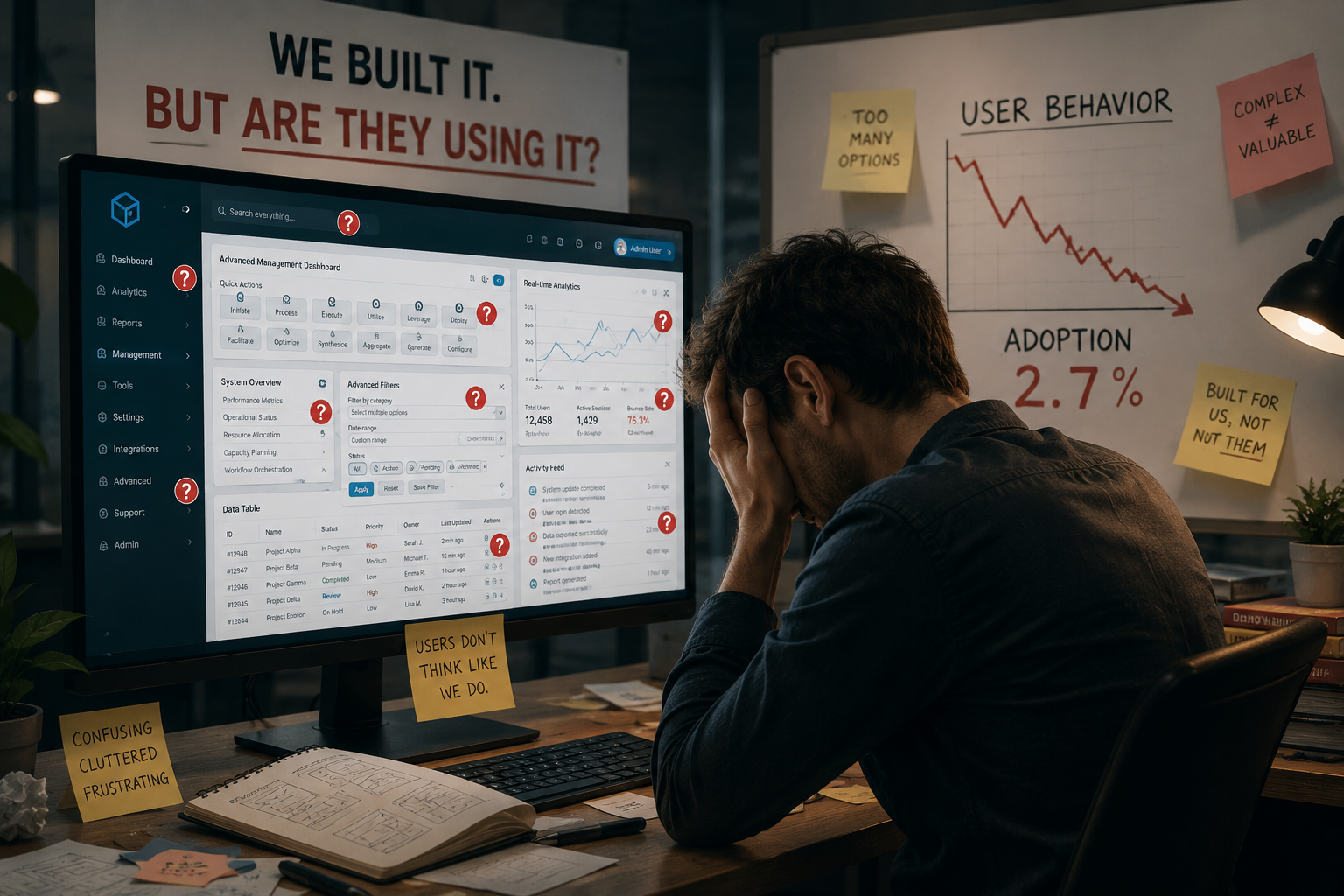
Brand color overreach represents another category of failure that stems from organizational tension rather than technical limitation. Marketing teams push aggressively for prominent brand color application throughout the product experience, believing that stronger visual branding drives recognition and loyalty. The result is visual noise that undermines the very usability the product team worked to create. Primary actions compete with decorative elements for user attention. The interface begins to feel like an advertisement rather than a functional tool designed to help people accomplish tasks. Brand color belongs in specific, defined locations like logos, header accents, and occasional highlights. It should never dominate every screen or overshadow the interactive elements that users actually need to find and use. The most effective brand presence is often the one users sense without consciously noticing, not the one that announces itself on every pixel.
The Broader Shift Toward Human Centered Interfaces
The movement away from grayscale and black screen dominance reflects a broader transformation in who uses digital products and what those users expect from their experiences. Early software served a narrow audience of technical professionals who accepted and even embraced friction as evidence of power and capability. Command line interfaces required memorization but rewarded mastery. Complex settings menus signaled depth rather than confusion. The difficulty of use became a badge of insider status rather than a design failure. Modern software serves an audience that includes essentially everyone with a smartphone or a browser. That expanded audience brings different expectations shaped by years of interacting with consumer applications that prioritize approachability, clarity, and even enjoyment alongside raw functionality.
Color contributes meaningfully to this human centered shift by making interfaces more immediately understandable and more comfortable for extended use. Gradients replace flat grays to create depth and visual interest without adding interface elements that consume screen space. Warm neutrals replace cold ones to make environments feel more welcoming during long work sessions. Accent colors appear with greater frequency and more personality as brands recognize that standing out requires distinctiveness rather than conformity to outdated notions of seriousness. These changes do not reduce functionality or dumb down complex tools. They increase functionality by making interfaces easier to parse and more pleasant to inhabit for the hours that modern knowledge work demands. The best implementations remain so subtle that users never consciously register the color palette. They simply feel that the product works well, feels right, and fits naturally into their workflow. That is the actual goal of color strategy in technology. Color should be felt before it is consciously seen, supporting the experience without ever demanding acknowledgment for its contribution.
Practical Evaluation Without Subjective Preference
Building a new product or evaluating an existing one requires looking at color choices with disciplined intention rather than personal aesthetic preference. A few direct questions help cut through the subjectivity that often derails productive discussion about visual design. Does every single color present in the interface serve a specific, articulable function that can be defended without referencing personal taste? If a color exists only because someone on the team happened to like it or because it appeared in a mood board without further justification, eliminate it. Function must drive color selection or the result is decoration that adds visual weight without improving usability.
Can a user with any form of color vision deficiency distinguish every critical state, status indicator, and interactive element without relying solely on hue perception? If error messages depend exclusively on red text or red borders to communicate their importance, add an accompanying icon, text label, or pattern indicator that provides redundant communication. This change improves usability for everyone, not only those with diagnosed color vision differences, because redundancy strengthens communication regardless of visual ability.
Does the color palette function effectively and consistently across both light and dark mode implementations without producing illegible contrast or unintended visual effects? If dark mode was generated automatically through algorithmic inversion rather than manual design review, test it thoroughly on actual devices under real lighting conditions. The shortcuts and automated solutions consistently produce results that degrade the user experience in ways that become apparent within minutes of actual use.
Does brand color expression compete with interactive elements for visual prominence in ways that make the interface harder to navigate? If the logo or decorative brand elements draw more attention than primary action buttons or critical status indicators, adjust the hierarchy until the functional elements regain appropriate prominence. Brand recognition matters, but not at the expense of basic usability and task completion.
These questions take only minutes to ask during design reviews but often require hours or days to address properly once problems are identified. The investment is worth making because color done well disappears into the background of user experience, quietly supporting every interaction without ever calling attention to itself. Color done poorly announces its failures constantly, creating friction that users feel even when they lack the vocabulary to describe exactly what is wrong.
The black screens and colorless interfaces that once defined technical products were never a genuine design philosophy worth preserving. They were an inherited habit passed down from an era of hardware constraints that no longer apply to modern devices and displays. The products that continue clinging to grayscale as proof of their seriousness are now the ones that feel dated, difficult, and disconnected from user expectations. Modern tools that use color strategically guide attention without shouting, communicate state without demanding reading, and create digital environments that people actually want to return to throughout their workday. This evolution is not about making technology superficially attractive or visually trendy. It is about making digital products function better for the actual humans who spend hours of their lives inside them every single day. The screens are not black anymore, and that represents genuine progress worth acknowledging and continuing.






Comments (0)
No comments yet
Be the first to share your thoughts!
Post Your Comment Here: